
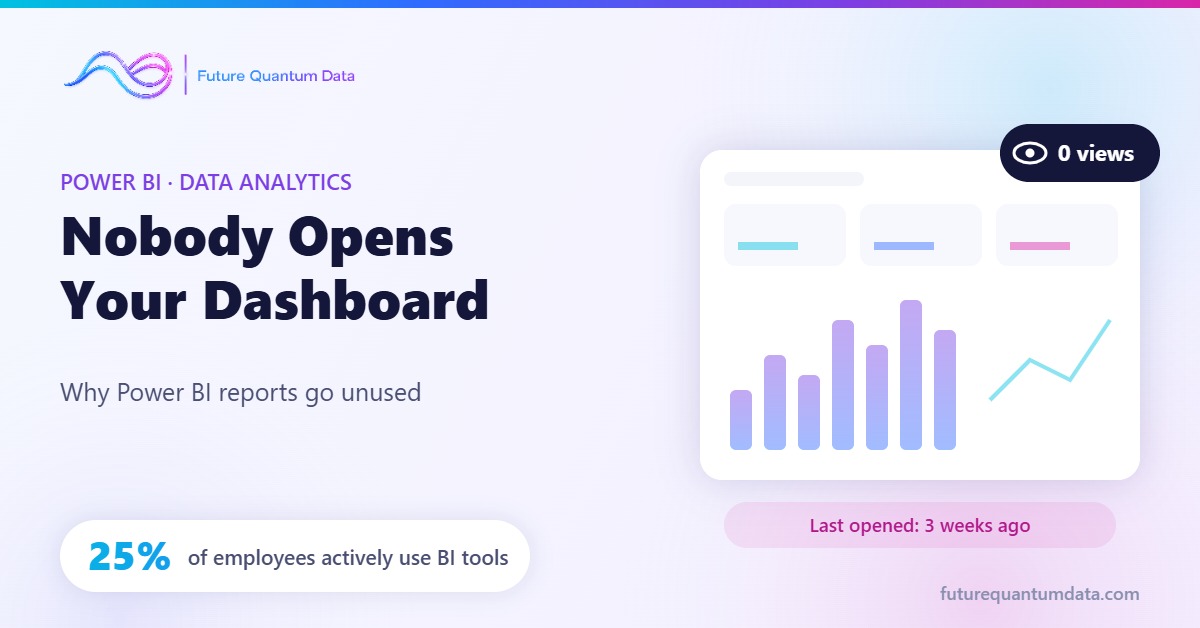
After months of work, the report finally goes live. In the first week everyone looks at it, in the second week a few people remain, and by the third week nobody opens it. At the next management meeting, an Excel file is back on the screen and someone asks: “Can’t we get this number from the dashboard?”
If this sounds familiar, you are not alone. The problem is rarely Power BI or the data itself; it is who the report was built for, and which decision it is meant to support.
What do the numbers say?
According to BARC’s study on BI and analytics adoption, on average only 25% of employees actively use BI and analytics tools, and that share has barely moved in seven years. Gartner data cited by IBM paints a similar picture: an average of 29%.
Put simply, three out of every four users you pay licences for may not be opening your reports regularly. An unused dashboard is decoration with a maintenance cost.
Why do dashboards die? 6 common reasons
1. They start with the data, not the question
Reports that begin with “we have this data, let’s show it” speak a little to everyone and help no one. The user’s real question (“Which store is losing stock?”) goes unanswered.
2. Nobody trusts the numbers
If revenue in the ERP and revenue on the dashboard fail to match even once, trust is gone. Users start re-checking figures in Excel, and the report becomes an afterthought.
3. Too many charts, too few decisions
Twenty-five charts squeezed onto one page look impressive but are never read. When the eye does not know where to look, it looks nowhere.
4. The report lives outside the workflow
A separate link, a separate login, a separate habit… A report that does not reach the places people work every day (Teams, email, mobile) gets forgotten.
5. It is slow
A report that takes half a minute to open and freezes on every filter is not opened twice. Performance is not a technical detail; it is a condition for adoption.
6. It has no owner
Without a business owner, definitions go stale, new needs are never added and questions go unanswered. An ownerless dashboard dies quietly.
5 rules for a dashboard people actually use
- Every page serves one decision. Before designing, ask: “Which decision will the person looking at this page make?” If there is no answer, there should be no page.
- Reconcile the numbers. Define critical metrics together with finance and operations, keep a metric glossary, and make the “last refreshed” time visible on the report.
- Summary first, detail second. Put 3–5 key KPIs at the top and trends below; leave the detail to drill-through pages.
- Take the report to the user. Pin Power BI reports to Teams channels, use email subscriptions and data alerts, and design a dedicated mobile layout.
- Measure usage. Use Power BI usage metrics to see which reports and pages are opened. Removing a page nobody opens is an improvement too.
The 1-minute test
To gauge the health of your current reports, answer these three questions honestly:
- How many people opened your main dashboard in the last 7 days?
- Is it the dashboard or Excel that appears on screen in management meetings?
- When a number is challenged, can you show its source within a minute?
If you answered “I don’t know” to even one of them, the problem is not the number of reports; it is your reporting strategy.
Conclusion: the goal is decisions, not dashboards
A good dashboard is not the one that looks nice; it is the one that speeds up a decision every week. The way there is not more charts, but the right question, trustworthy data and a place in the user’s daily workflow.
At Future Quantum Data, we analyse the adoption and trust issues of your existing Power BI reports, build a decision-focused reporting structure through data consulting, and design dashboards with data analytics and Power BI that your teams actually open.
To run a health check of your reports together, contact us at [email protected].
Subscribe to our newsletter to stay informed about this and similar content.